 zero clicks
Good service deserves a good reply.
Get private drafts for Google reviews at your pub or restaurant.
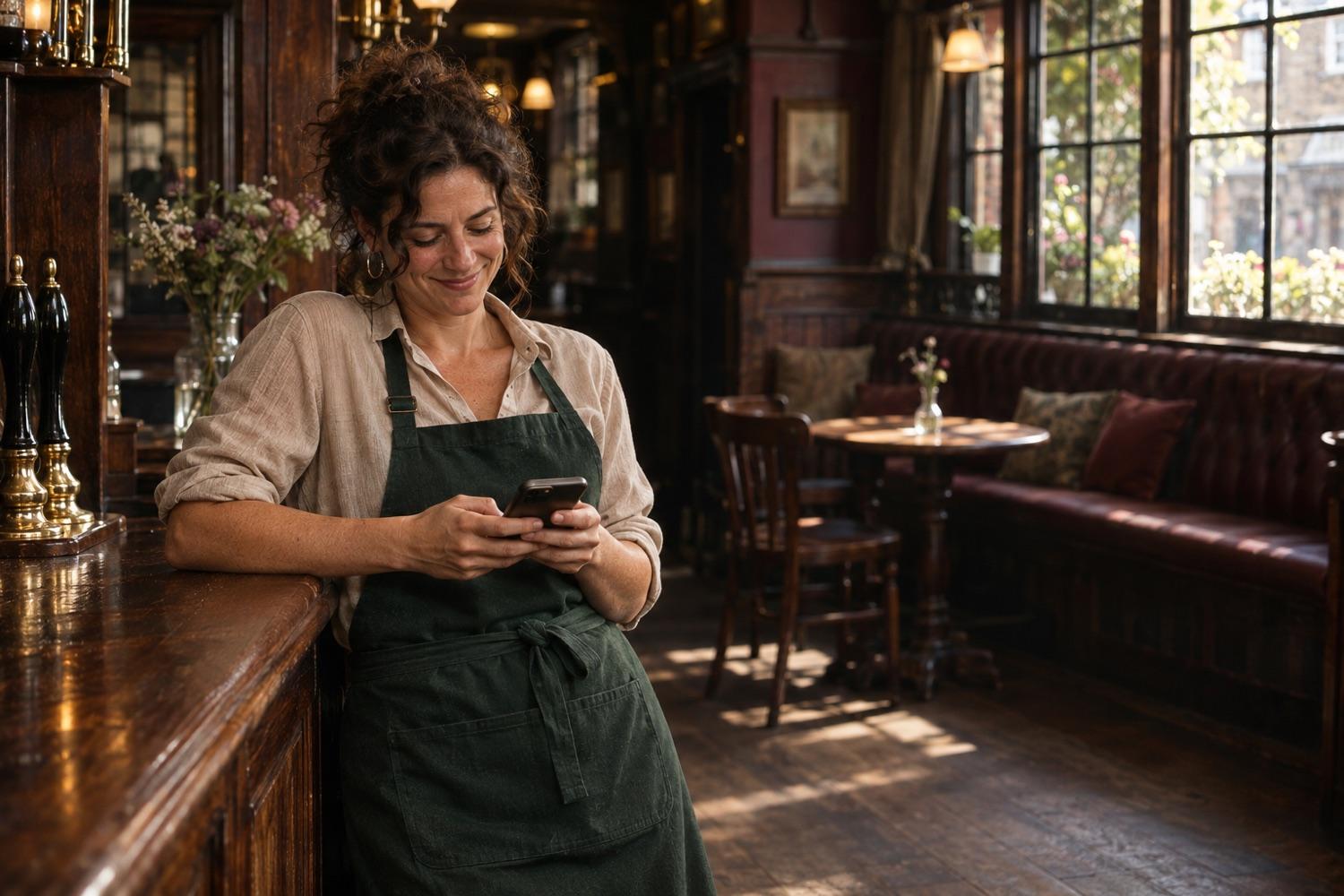
Lovely Sunday roast. We’ll be back.
How V1 handles a review
A guest leaves a review. V1 picks up the details and prepares a private reply.
Google review
★★★★★
“Loved the atmosphere, but service could be better.”
V1 Review Replier
AtmosphereServiceOwner inbox · Private draft
Glad you enjoyed the atmosphere. I’m sorry the service didn’t quite match. Thanks for letting us know.
Routine draft
From review to draft
Watch how drafts workConnect your venue
Link the Google Business Profile you manage.
Check your drafts
Read the guest’s review, then edit the draft to sound like your team.
Keep the final word
Edit or copy your draft in the owner inbox. The pilot saves replies privately.
Try it with a review
Choose a sample or paste a public review. Try editing and copying a private draft.
Your review desk
Lovely Sunday roast. The team made us feel right at home.
Sample review · The Willow Arms
Straightforward praise
A clear plan for your venue
Google review drafts, an owner inbox, and guided onboarding.
£35 / month
Founding plan · first 10 customers
No setup fee. Pay after the first successful Google reply and guided setup.
£499 one-time setup
FAQs
Will replies go out without me?
The pilot saves drafts in your owner inbox. You can edit or copy them, and anything that needs a closer look is flagged.
Does this demo connect to Google?
No. Try a sample or paste public review text to generate an editable draft. The demo never connects an account or publishes a reply.
What do I need to get started?
A Google Business Profile you own or manage. Connect it from Zero Clicks using the Google account that has access to the venue.